Renewing Your Membership
With the change from a season membership system to a twelve month renewable membership, you will now need to renew your membership at different times depending on when you first bought the memeberships.
You can renew your valid membership in three ways.
The first is through the Eola system. If you choose this way for renewal please do check your card details are still valid. Instructions are below.
You can also complete the renewal by requesting our bank details using the ‘Request Bank Details form or get them at the club.
We are also able to accept cash at the club for you to complete your renewal.
For the cash and bank transfer options you will need to complete a paper membership form next time you are at the club.
Login to Eola dashboard
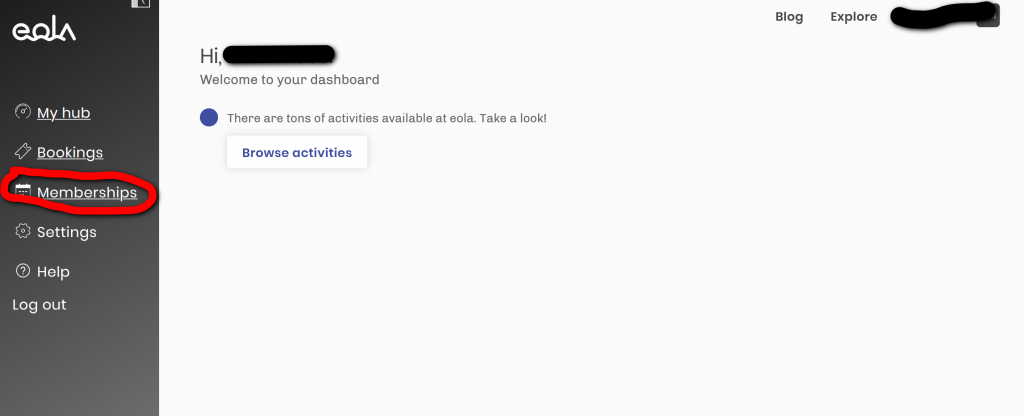
Login to the Eola dashboard. You can then click on the membership link in the menu. If you are accessing on mobile device the menu may need expanding from the logo at the top left.
Membership Details
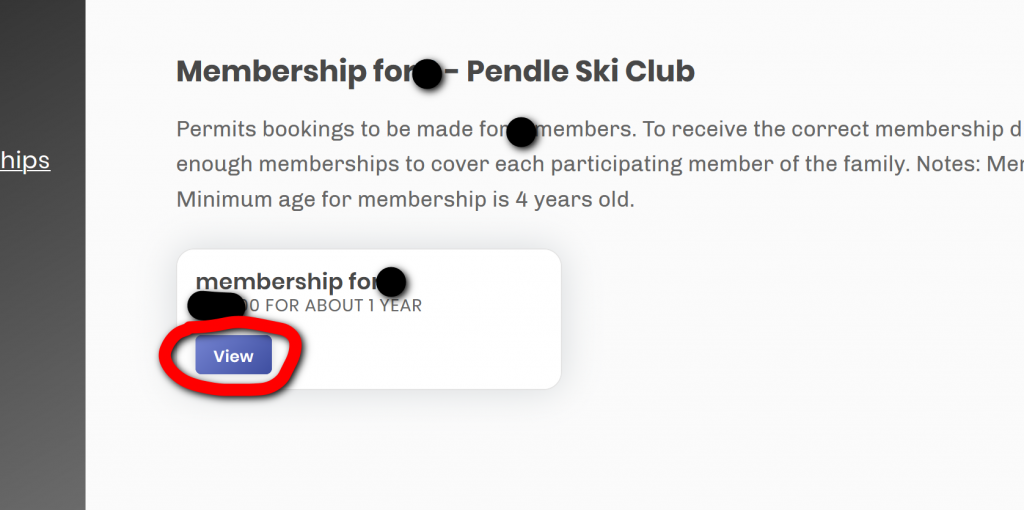
Once you access the Membership page, you will see the details of the membership you have. You will need to click on the view button.
Membership Details Continued
You will now see when your membership is due to expire. Click on the Manage button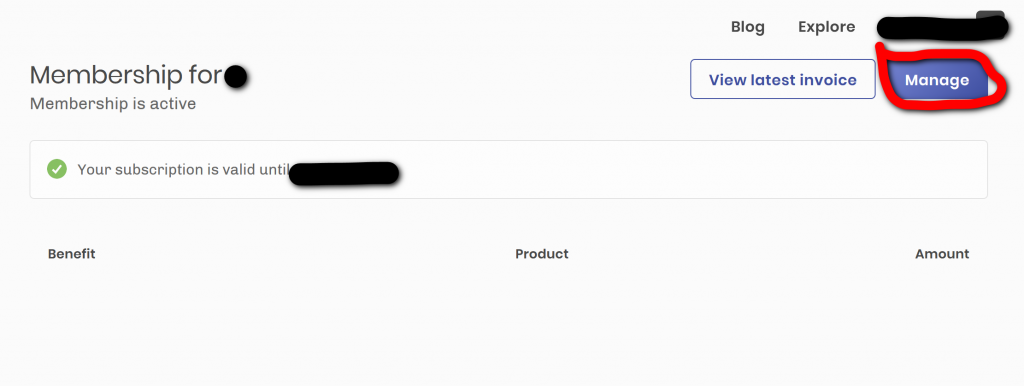
Card Details
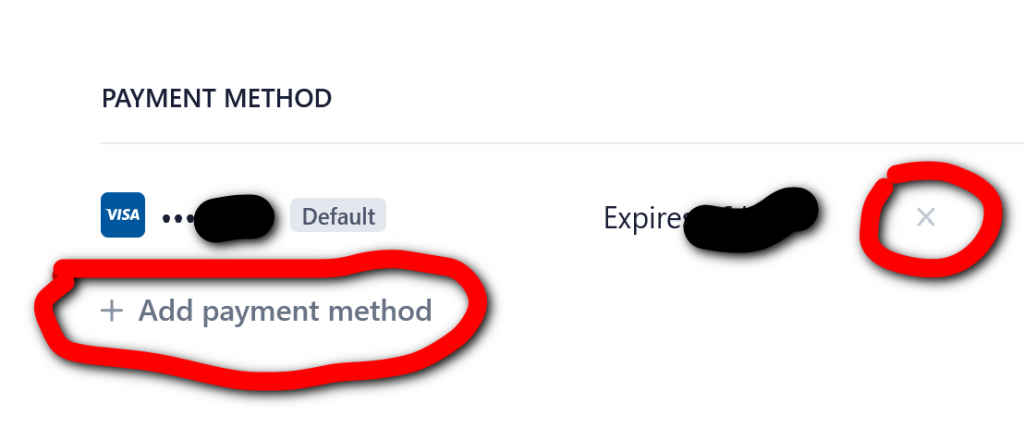
You will now see the card details you used to pay for the membership last time. If these are correct carry on an complete the renewal. If your card needs to be updated you can add new card details and then delete the old card using the highlighted links. Once you have completed your card details go to the membership page to rebuy the membership.